gion
gion (GI-un, "gi" as in git) = git + scion
The fastest git client for agents. Skip the heavy network on large repos, get only what you need.
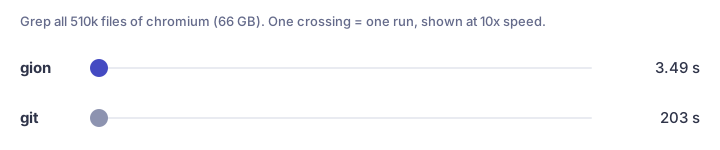
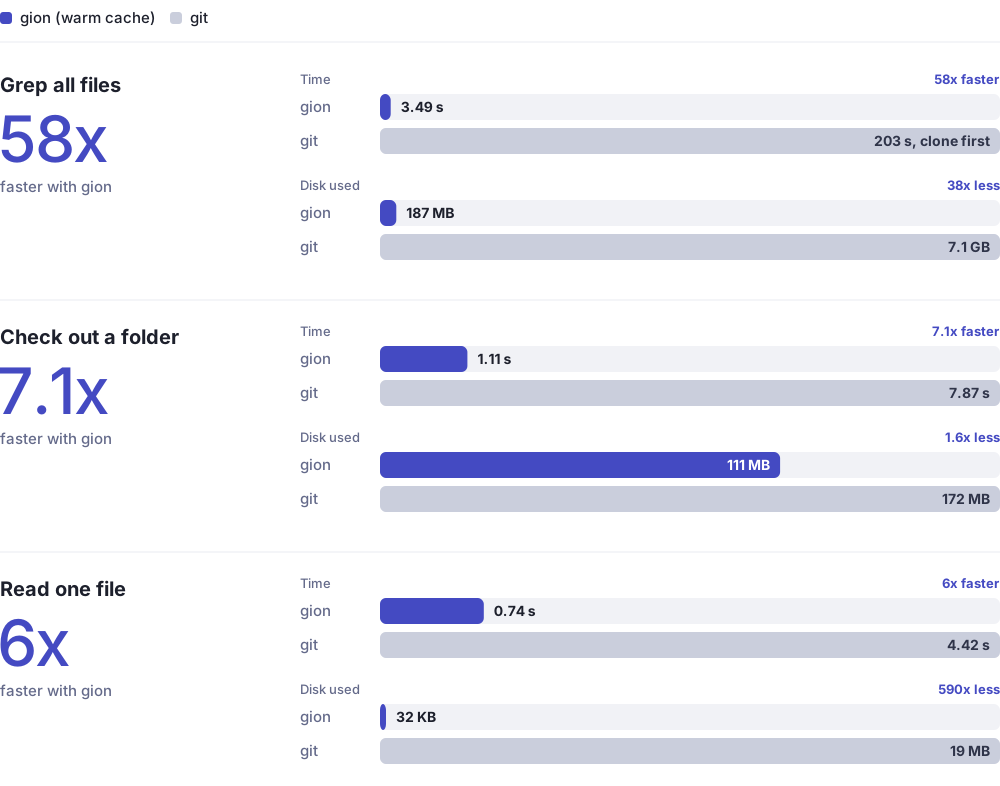
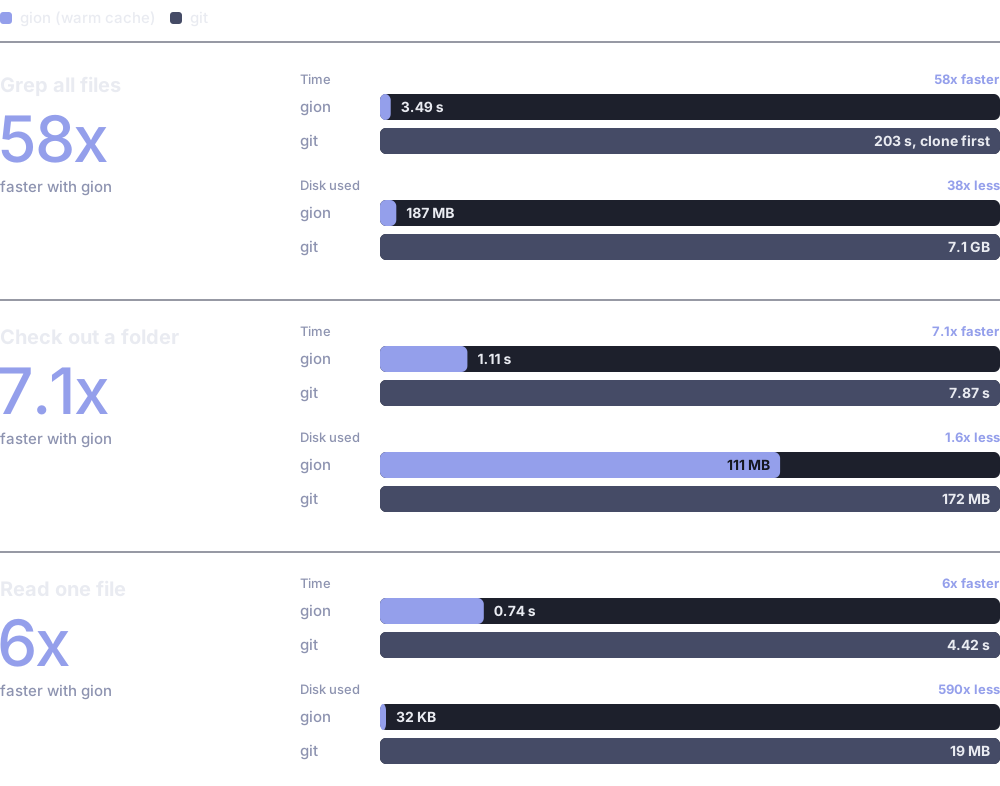
Measured on chromium (66 GB, 510k files), gion with a warm cache. Full benchmarks.
Why
Git assumes every client keeps a full copy and can work offline. Agents and CI jobs are online all the time, usually read a few files, search a bit and push one change, and often run many at once on one machine. For them, a full clone is mostly waste. gion fetches files, trees and commits from the remote only when a task asks for them:
- Fast starts: no clone step. Read, search, diff and log any repo right away.
- Small footprint: a workspace holds only the paths you ask for. History stays on the server, so many agents can share one machine.
- Full write path: commit, push to branches and rebase with conflict resolution. Only new objects are sent.
- Works with your server today: gion speaks the standard git wire protocol, so GitHub and other git servers need no setup.
See it in action
Demo clips are real time, not sped up.
Read one file from a 66 GB repo. Nothing lands on disk.
gion cat chromium/chromium abc2bc3fe6dd:README.md
History of one file, without a clone.
gion log chromium/chromium abc2bc3fe6dd --path README.md -n 5
What a commit changed. Only the files that differ are fetched.
gion diff chromium/chromium bfe93d2fd85a --path base/strings
Check out one folder, edit and diff. The workspace holds docs and the top-level files, nothing else.
gion clone chromium/chromium ./chromium --path docs --ref abc2bc3fe6dd
cd chromium && echo "hello" >> docs/README.md && gion diff
To push, use a repo you can write to: gion commit -m "my change" --branch my-fix (Workspaces).
Where next
- Getting started: install, credentials, first commands
- CI: check out one directory or a PR's changed files in GitHub Actions
- Agents: install the gion skill so your agent uses gion instead of
git clone - Command reference: every command and flag